![Opus1-3-icon-color-1.png]](https://kb.opus1.io/hs-fs/hubfs/Opus1-3-icon-color-1.png?height=50&name=Opus1-3-icon-color-1.png)
Opus1.io now supports per-group-class age range. These will override the service-level age range, if set. This allows for group class services where the overall age range may include group classes with narrowly defined age ranges, e.g. a service for ages 10-16 where group classes are broken down into age groups of 10-11, 12-13, 14-15, etc.
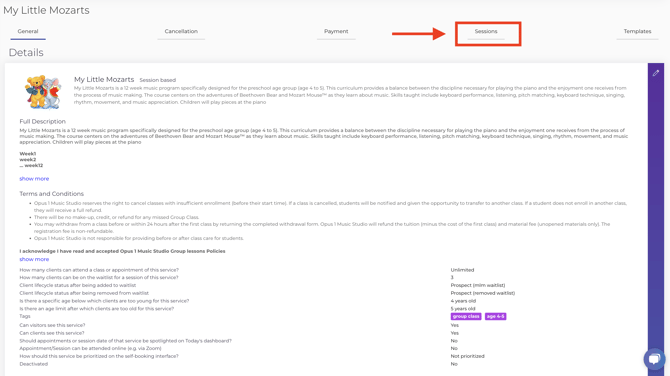
1. Start by navigating to your service page. Then click the "Group Classes" tab.
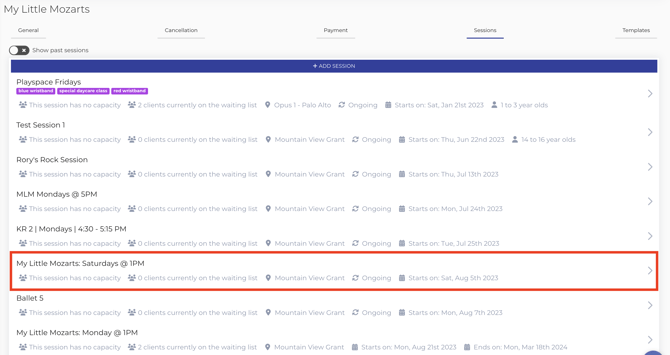
2. Click on the particular group class you'd like to set an age range for:
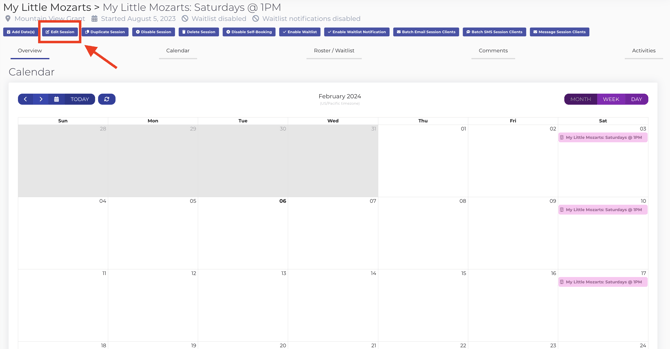
3. At the top of the calendar view, click "Edit Group Class".
4. Select the age range by toggling the options below. Click "Submit".
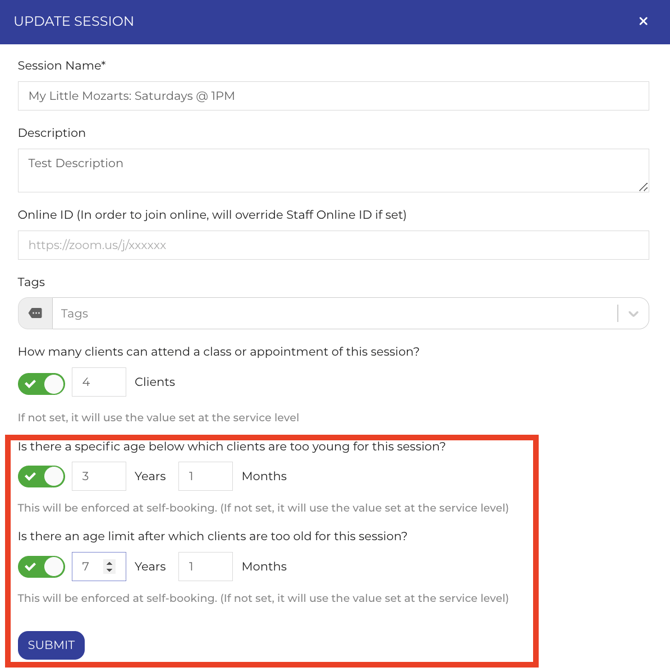
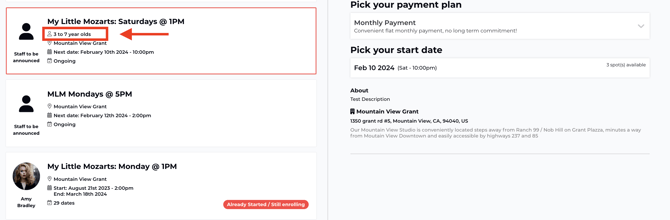
5. An age range will now be visible and enforced at self-booking: